
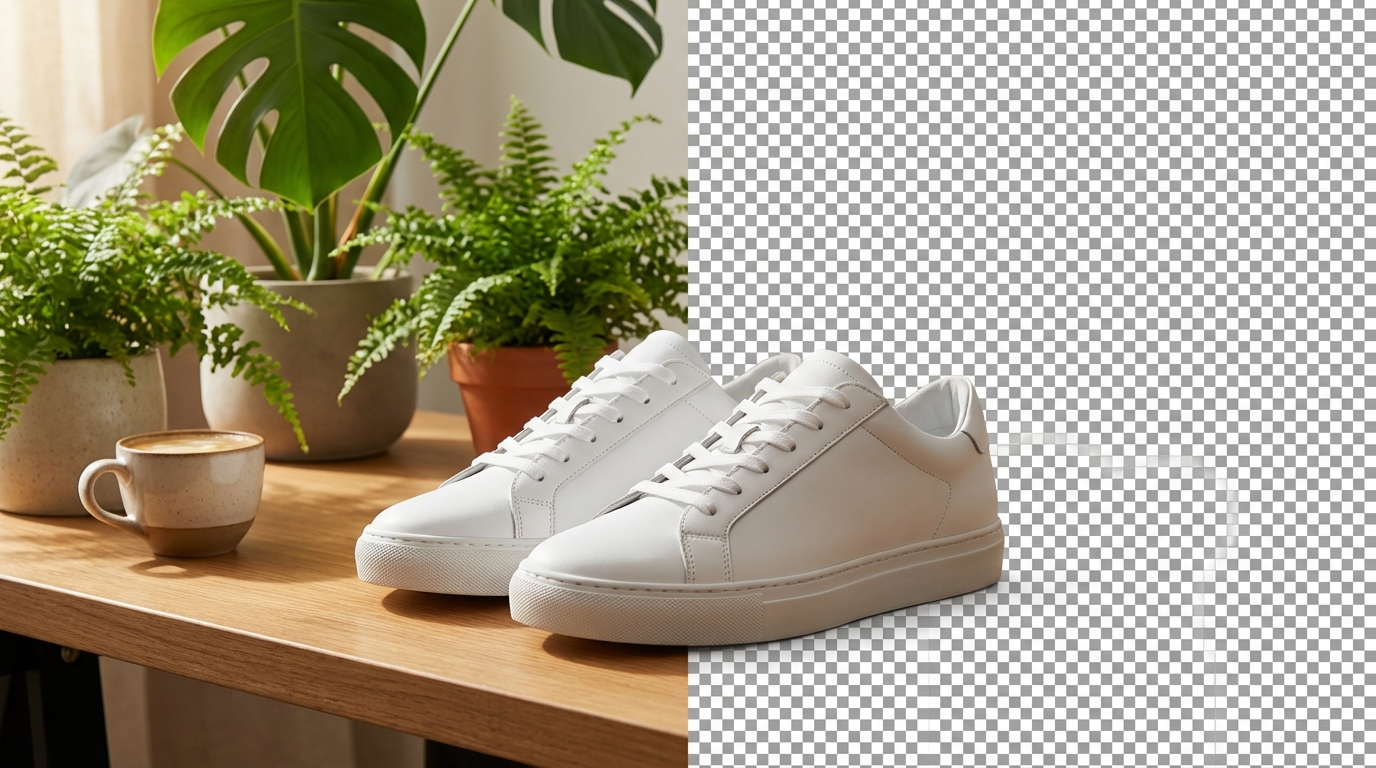
AI Background Remover — Remove Image Backgrounds Instantly
Upload your product photo. AI removes the background in under 1 second — clean edges, transparent PNG, ready for Amazon, Shopify, social media, and print. No Photoshop, no manual clipping paths, no waiting. Free to use, no credit card required.
AI Background Removal Across Product Categories
See how the AI background remover handles different product types — from reflective jewelry to complex clothing folds. Every result is a clean, transparent PNG.
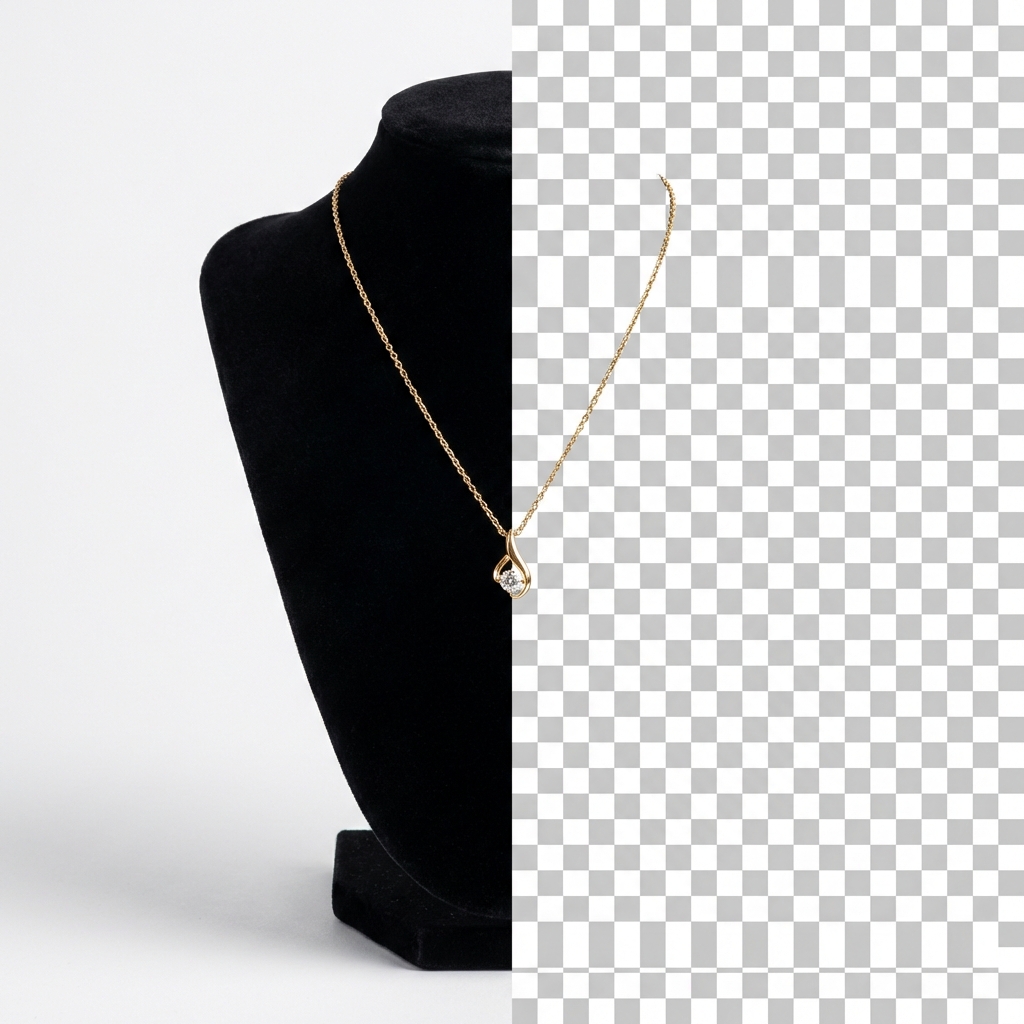
Jewelry & Watches
Reflective surfaces and fine details like chains, clasps, and gemstones — the AI preserves every edge. Get clean cutouts of rings, necklaces, bracelets, and watches without losing sparkle or detail.
Jewelry
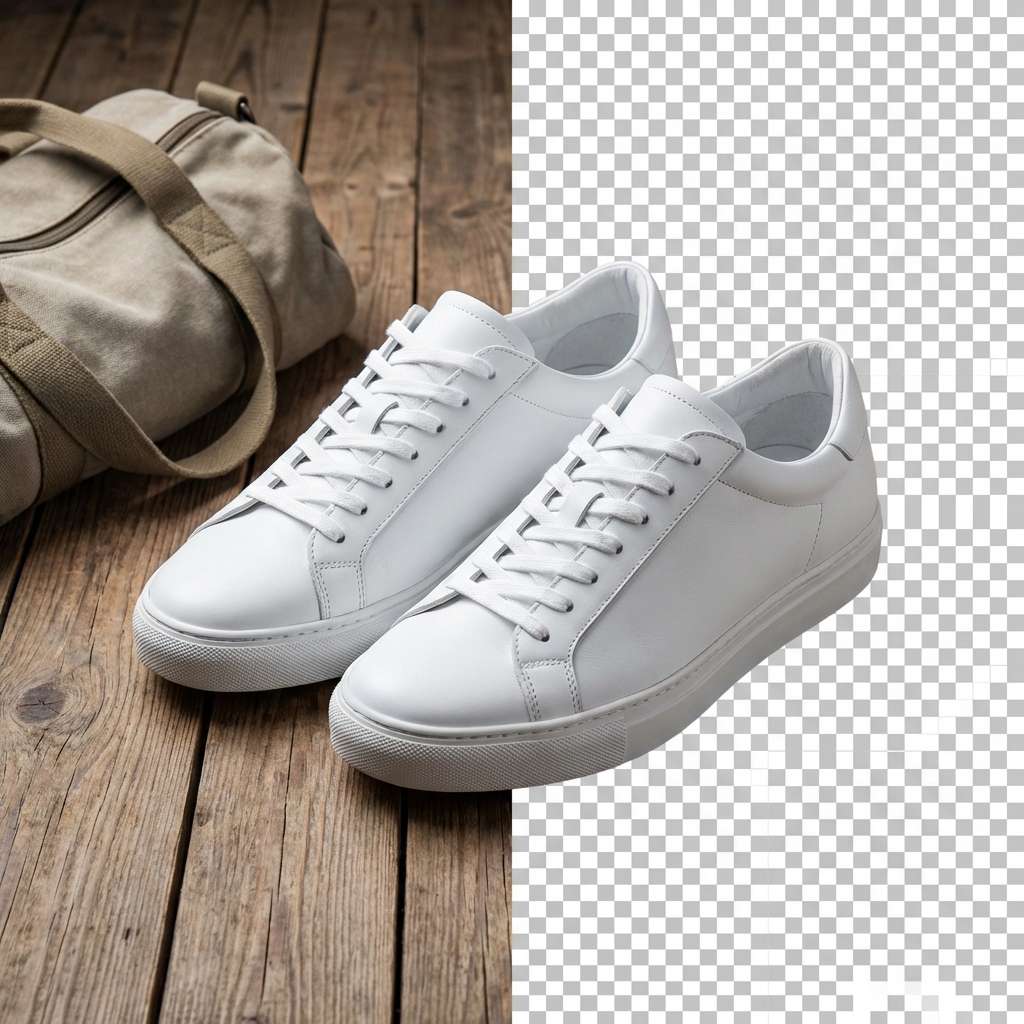
Shoes & Footwear
Sneakers, heels, boots — the AI handles laces, mesh textures, and complex sole shapes. Remove backgrounds from footwear photos and get listing-ready cutouts in under 1 second.
Shoes
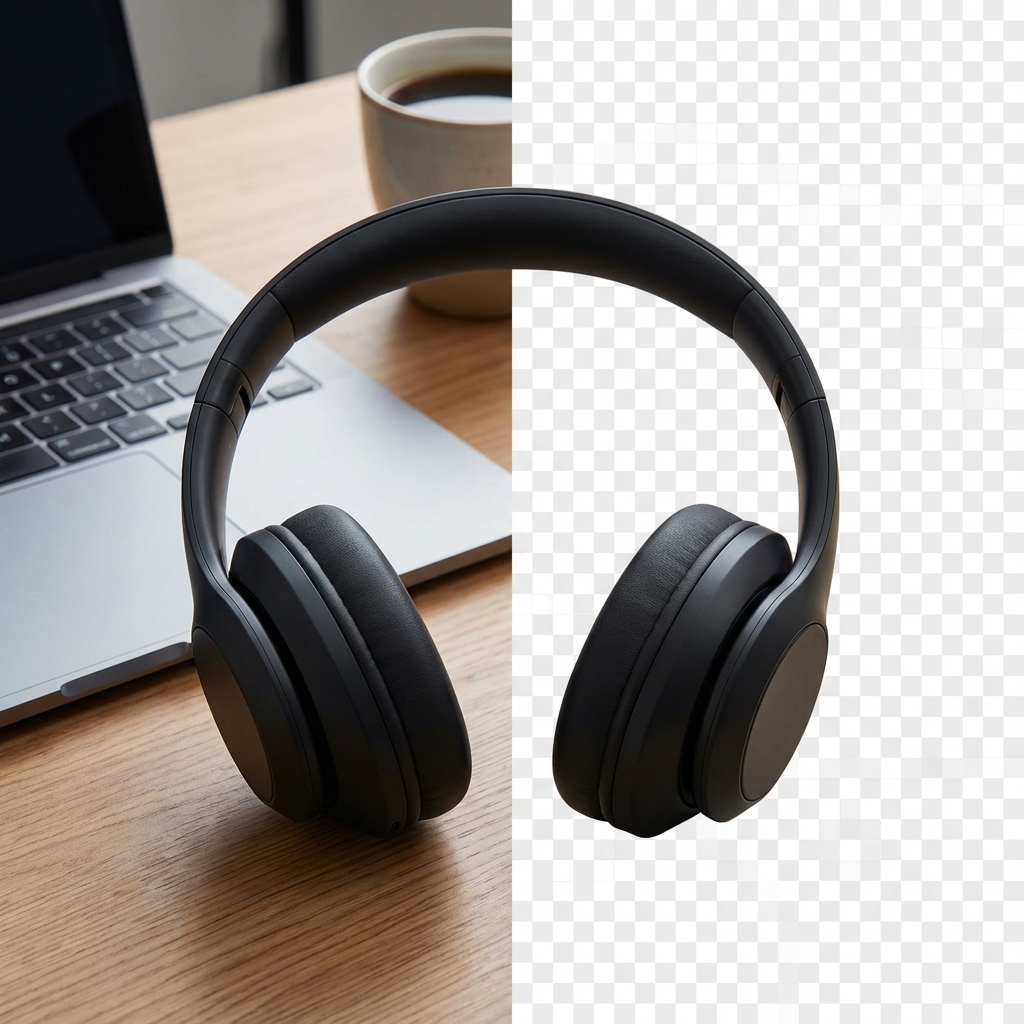
Electronics & Gadgets
Hard edges, glossy screens, and reflective surfaces. The AI background remover cleanly separates phones, headphones, laptops, and smart devices from any background.
Electronics
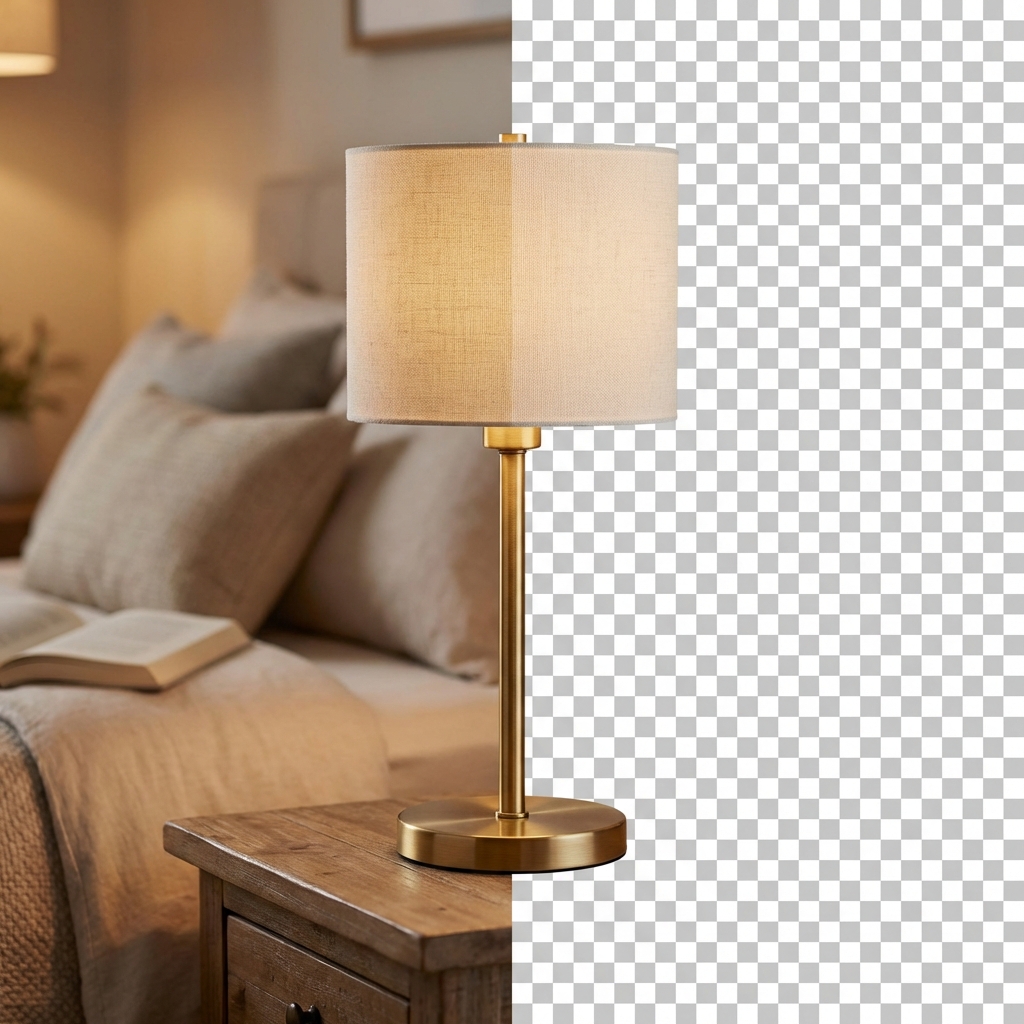
Furniture & Home Decor
Table legs, chair arms, lamp shades — complex furniture shapes isolated cleanly. Remove backgrounds from home decor products and place them on any backdrop for catalog or lifestyle shots.
Furniture
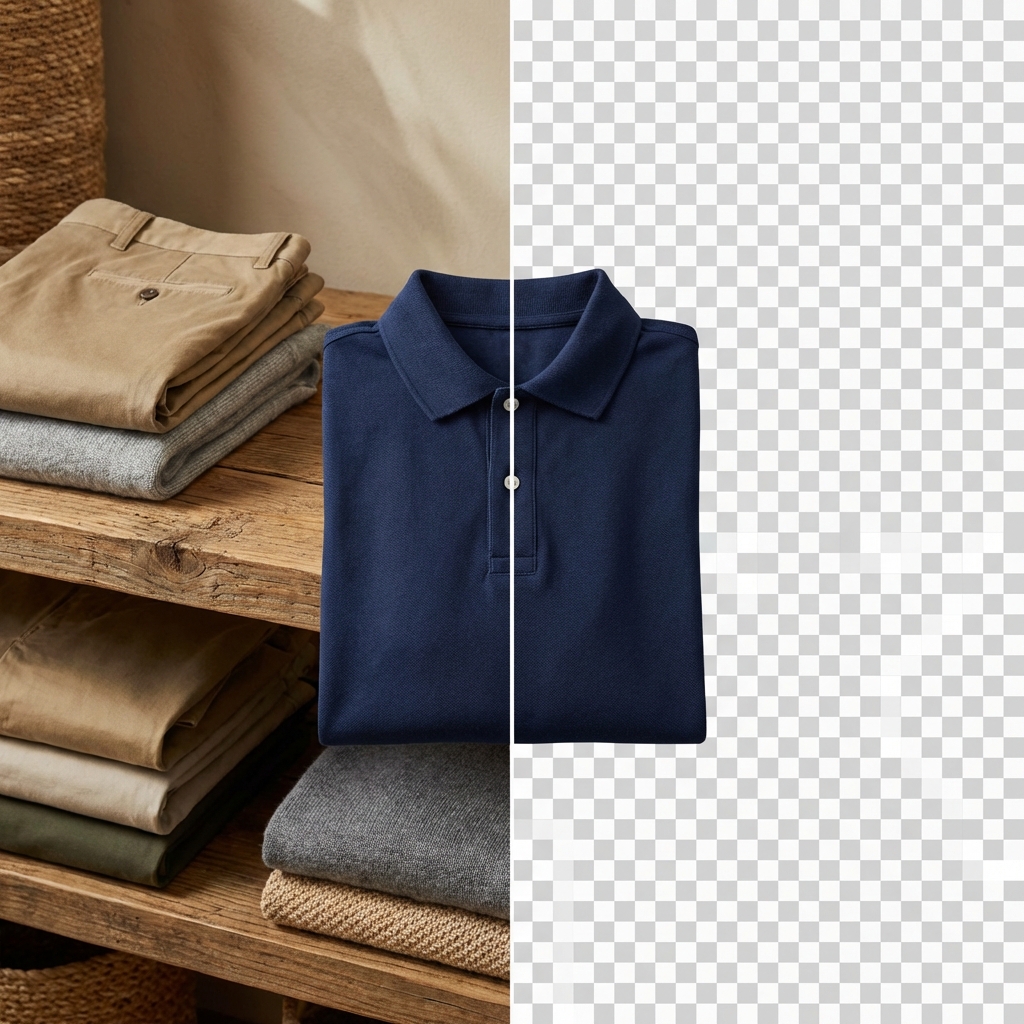
Clothing & Apparel
T-shirts, dresses, jackets — the AI handles fabric edges, flowing hems, and semi-transparent materials. Get clean cutouts even from wrinkled or loosely draped garments.
Clothing
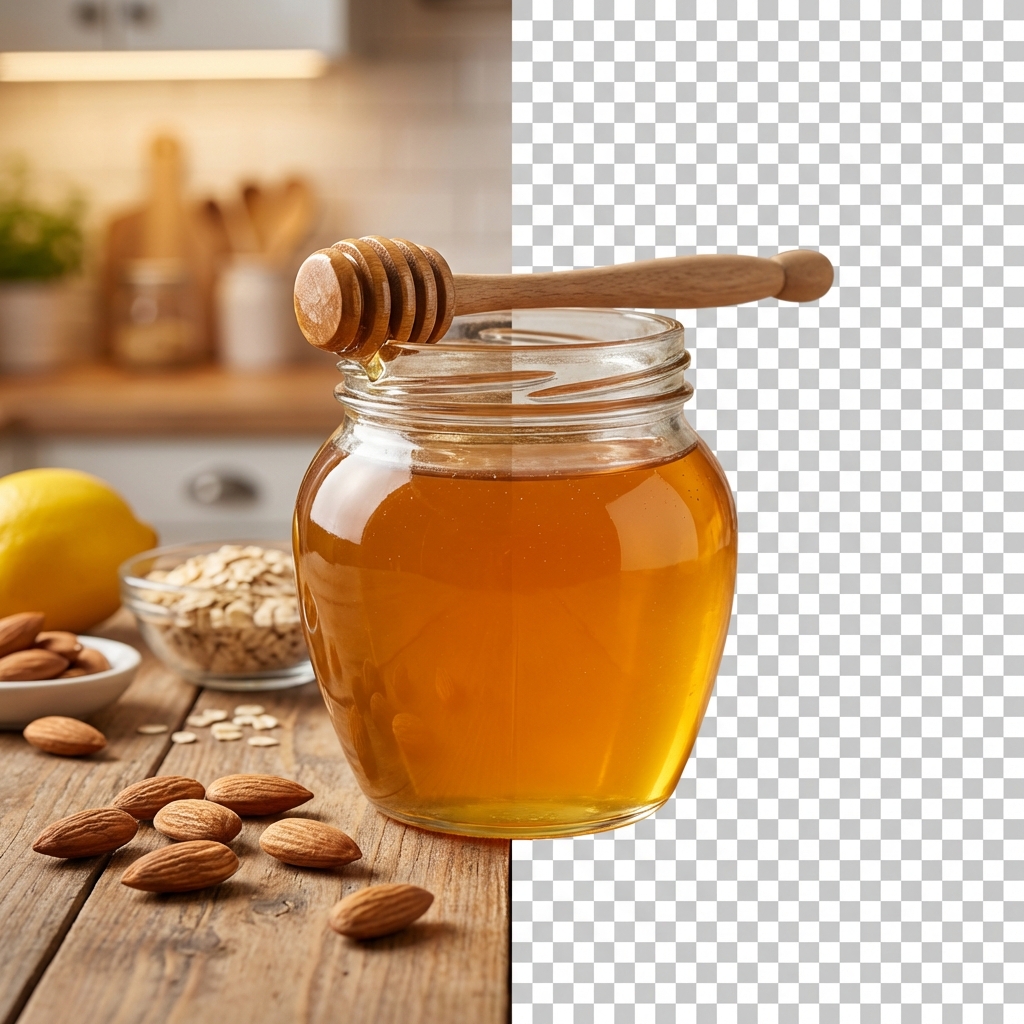
Food & Beverages
Bottles, packaging, fresh produce — the AI separates food products from table settings and kitchen backgrounds. Clean cutouts for menu design, delivery apps, and product packaging.
Food
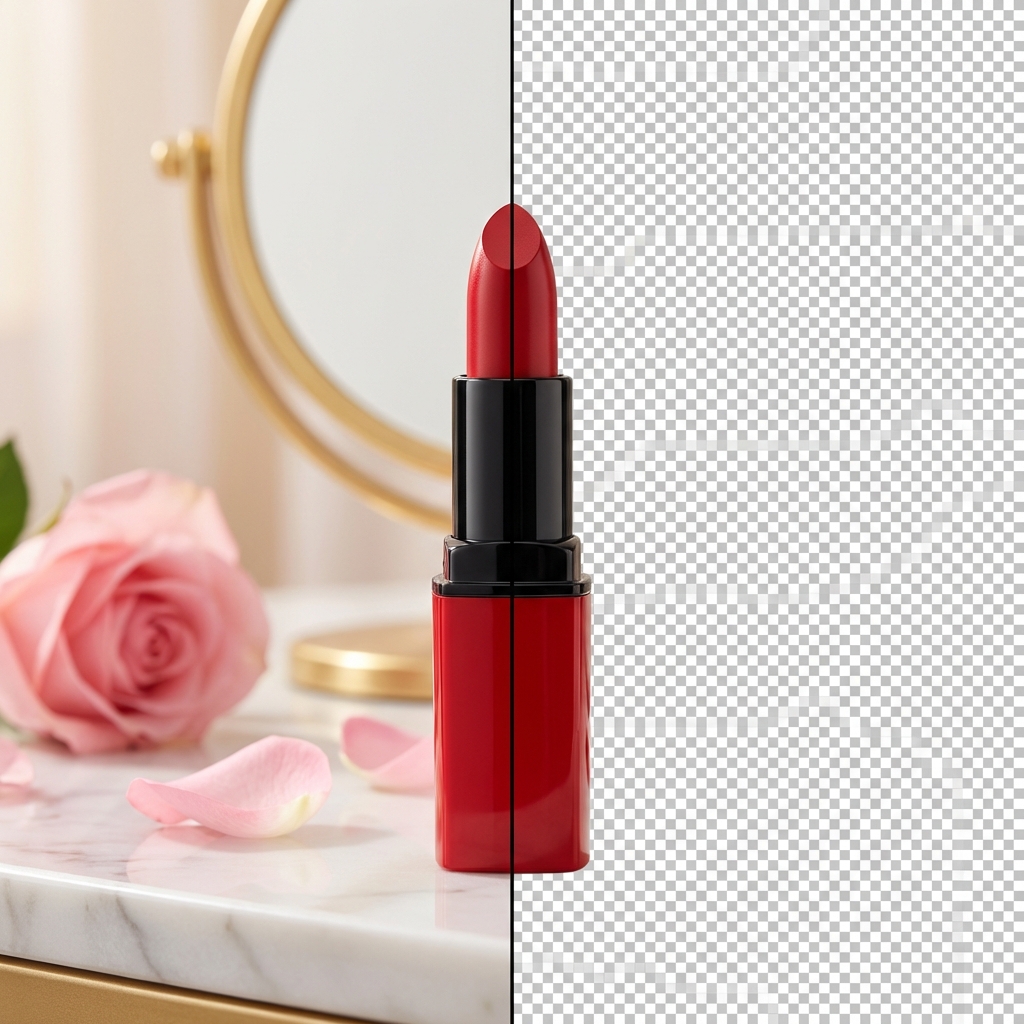
Cosmetics & Beauty
Lipstick tubes, skincare bottles, and makeup palettes with reflective packaging. The AI cleanly isolates beauty products from styled flat-lay or bathroom shelf backgrounds.
Cosmetics
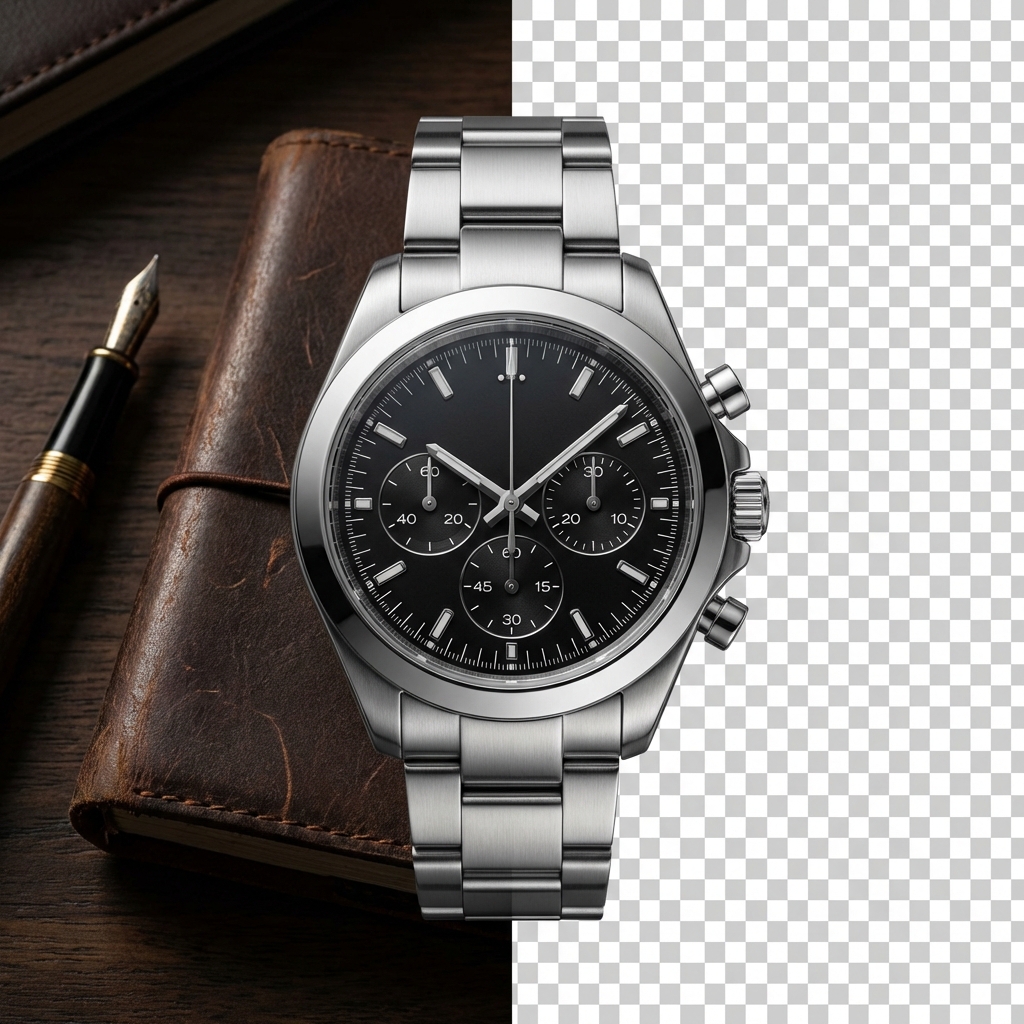
Watches & Accessories
Metal bands, crystal faces, and tiny dial details preserved at pixel level. Remove backgrounds from watch photography and get catalog-ready cutouts with every reflection intact.
Watches
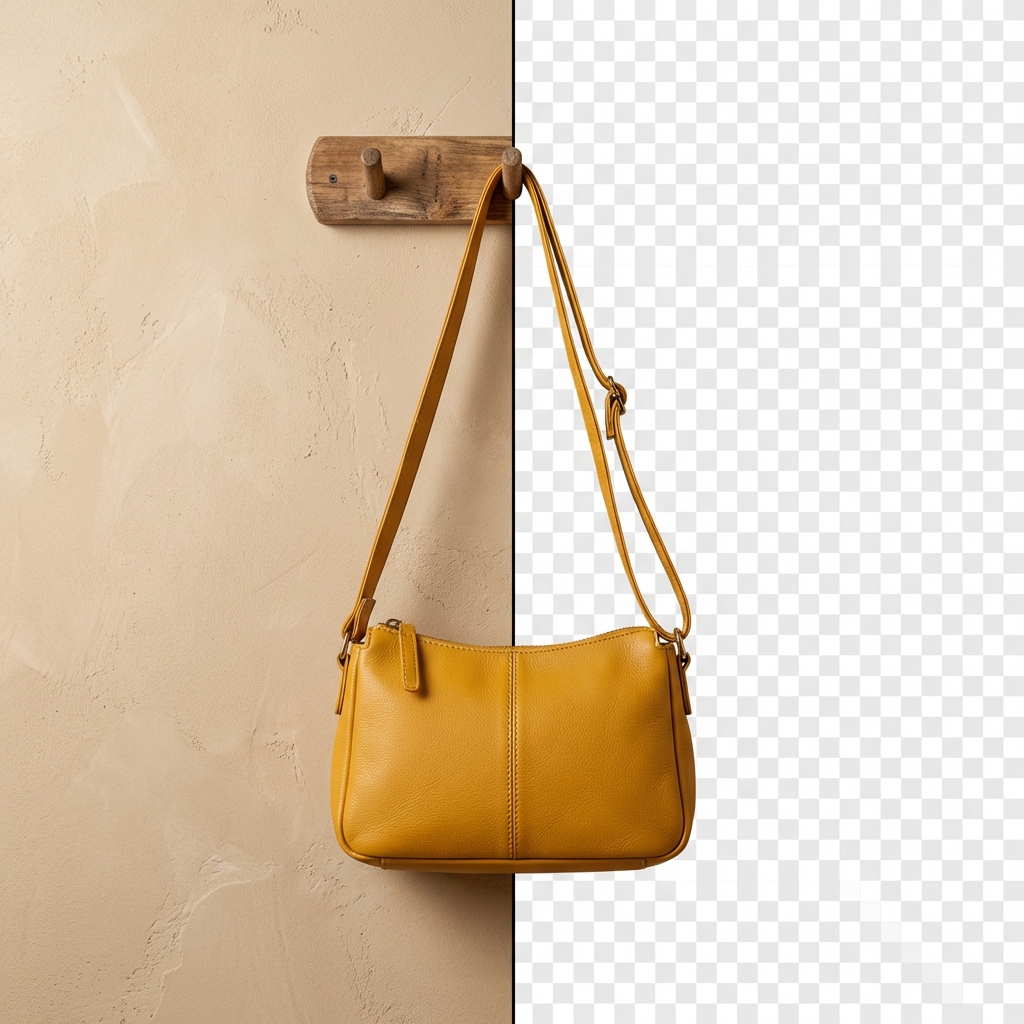
Bags & Luggage
Handles, zippers, stitching, and leather texture — all maintained during background removal. Works on handbags, backpacks, tote bags, and travel luggage.
Bags
AI Background Remover by the Numbers
Why AI Background Removal Works
Traditional background removal costs $5-$15 per image with a freelance editor and takes hours. AI background removal is free and takes under 1 second. Here is what you get.
AI-Powered Edge Detection
The AI analyzes your product at the pixel level — detecting edges around hair, fur, transparent objects, and complex shapes that manual clipping paths miss. No more jagged cutouts or lost details around fine textures.
Batch Processing
Upload multiple product photos and remove backgrounds from all of them at once. Process an entire catalog in minutes instead of hours. Ideal for e-commerce sellers managing hundreds of SKUs.
E-Commerce Ready Output
Transparent PNGs that meet Amazon, Shopify, eBay, and Etsy listing requirements. Clean white backgrounds, no leftover artifacts, no color fringing — upload directly to your store.
Transparent PNG Export
Export with a fully transparent background — place your product on any color, any scene, any marketing material. Combine with AI Photoshoot to generate new backgrounds after removal.
Works with Any Product
Jewelry, clothing, electronics, furniture, food, cosmetics — the AI handles every product category. Reflective surfaces, soft edges, transparent materials — no product is too complex.
Chat-Based Refinement
Not perfect on the first try? Tell the AI what to adjust — “keep the shadow,” “remove the stand too,” “clean up the edges.” Refine through natural conversation instead of manual masking.
Remove Any Background in Four Steps
No Photoshop skills needed. No pen tool. No manual masking. Just upload and download.
Upload Your Image
Drag and drop your product photo — phone snapshots, studio shots, or screenshots. The AI works with any image quality and any file format. No preprocessing required.
AI Removes the Background
In under 1 second, the AI analyzes your image, detects the product boundary, and removes the background completely. The result is a clean transparent PNG with precise edge detection.
Refine Through Chat
Need adjustments? Tell the AI: “keep the shadow,” “include the reflection,” or “remove the tag too.” Iterate through conversation until the cutout is exactly what you need.
Download & Use
Download your transparent PNG and use it anywhere — Amazon listings, Shopify store, social media ads, print-on-demand designs, marketing banners. Or combine with AI Photoshoot to place the product in a new scene.
Before & After — AI Background Removal Results
See the difference: original product photos on the left, AI background removal results on the right. Clean edges, no artifacts, ready to use.
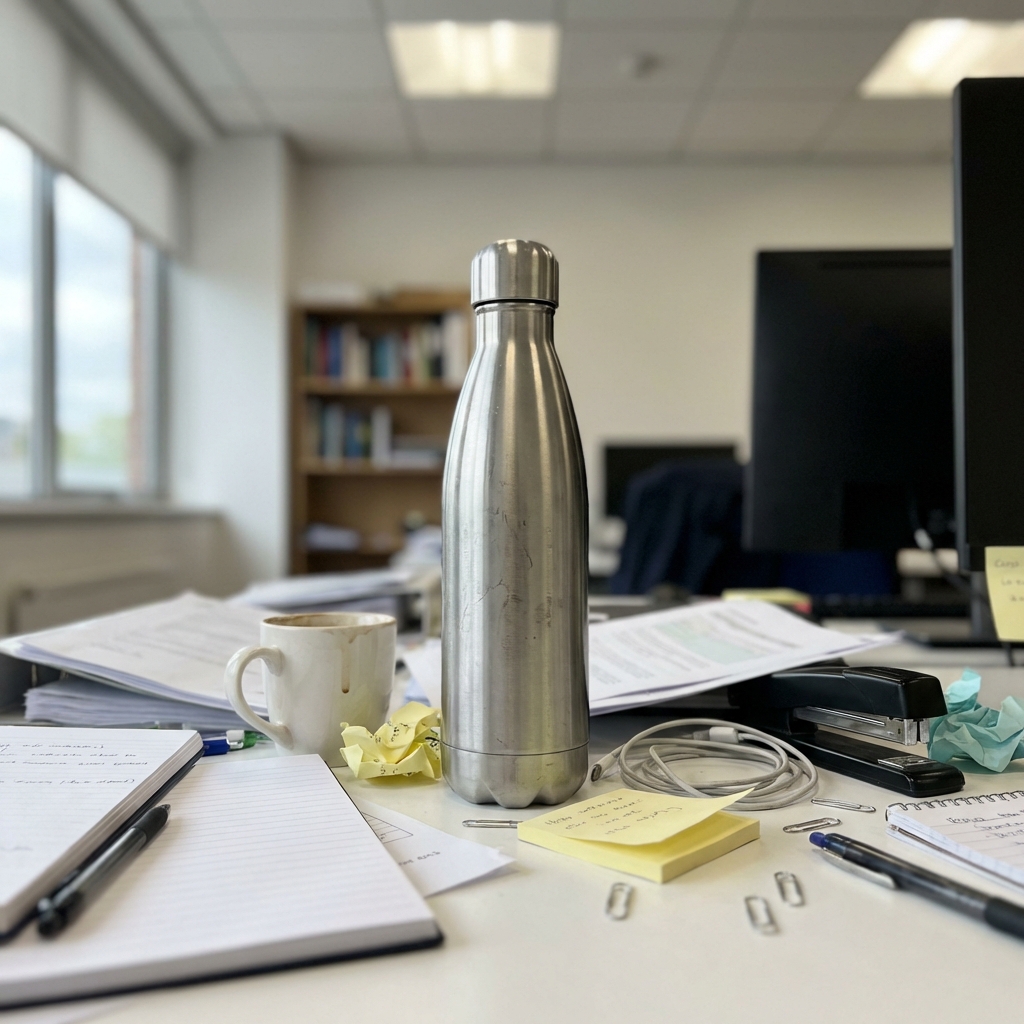
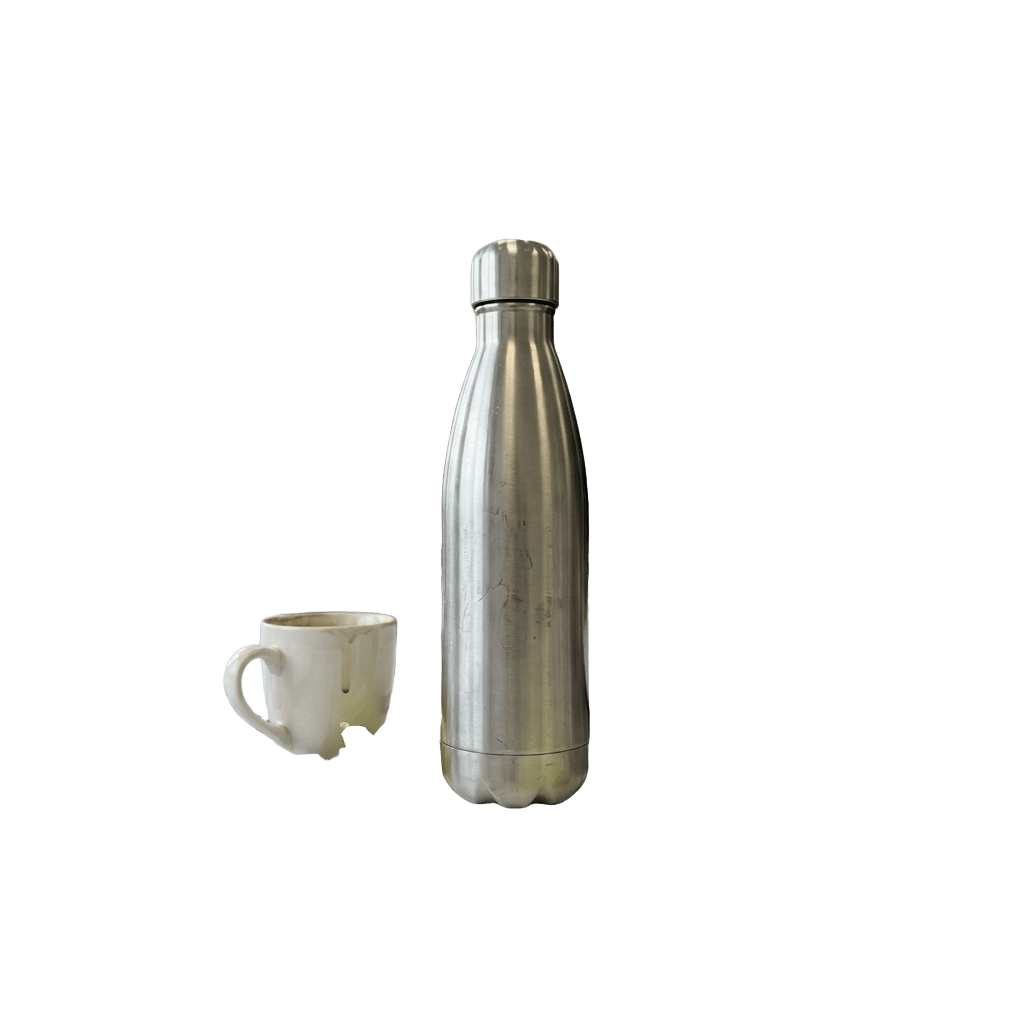
Cluttered Background to Clean Cutout


Complex Edges Preserved

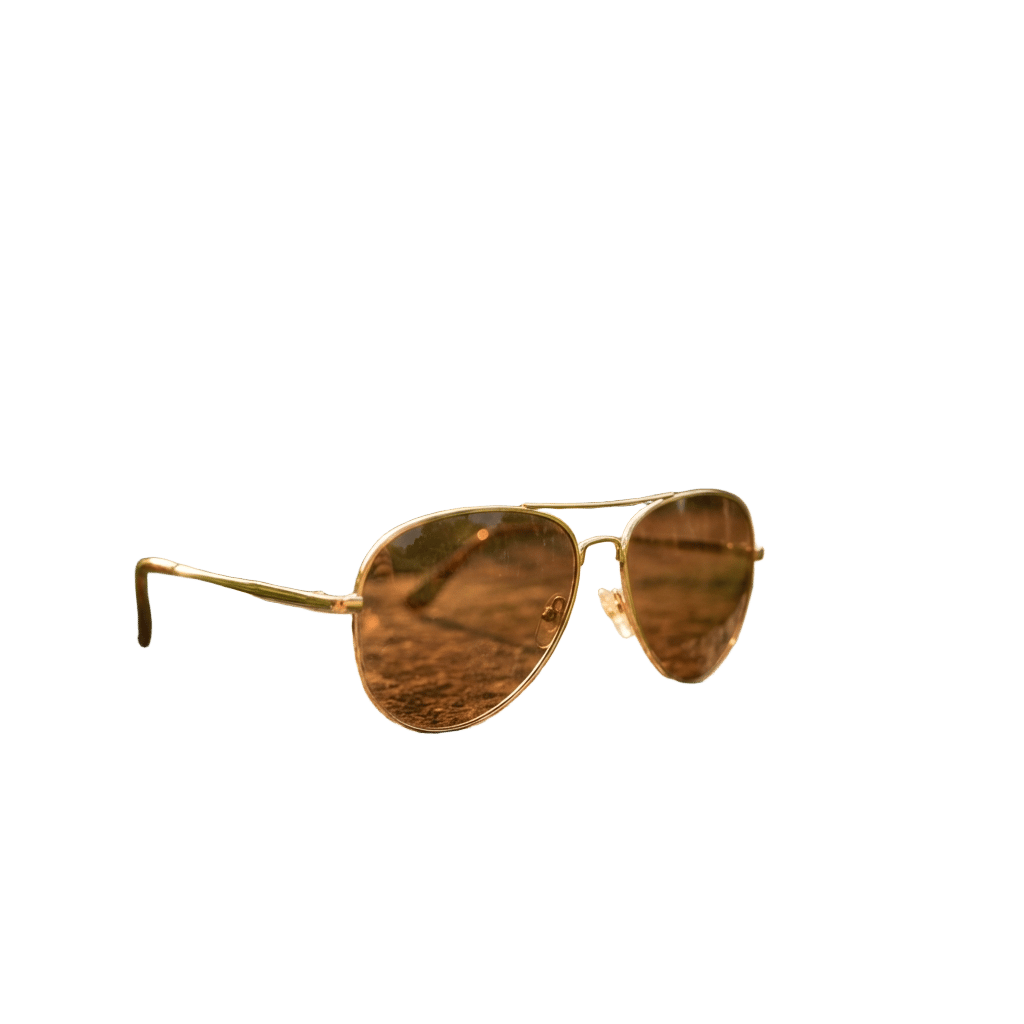
Outdoor Shot to White Background


Fabric & Textile Surface


Retail Shelf Display
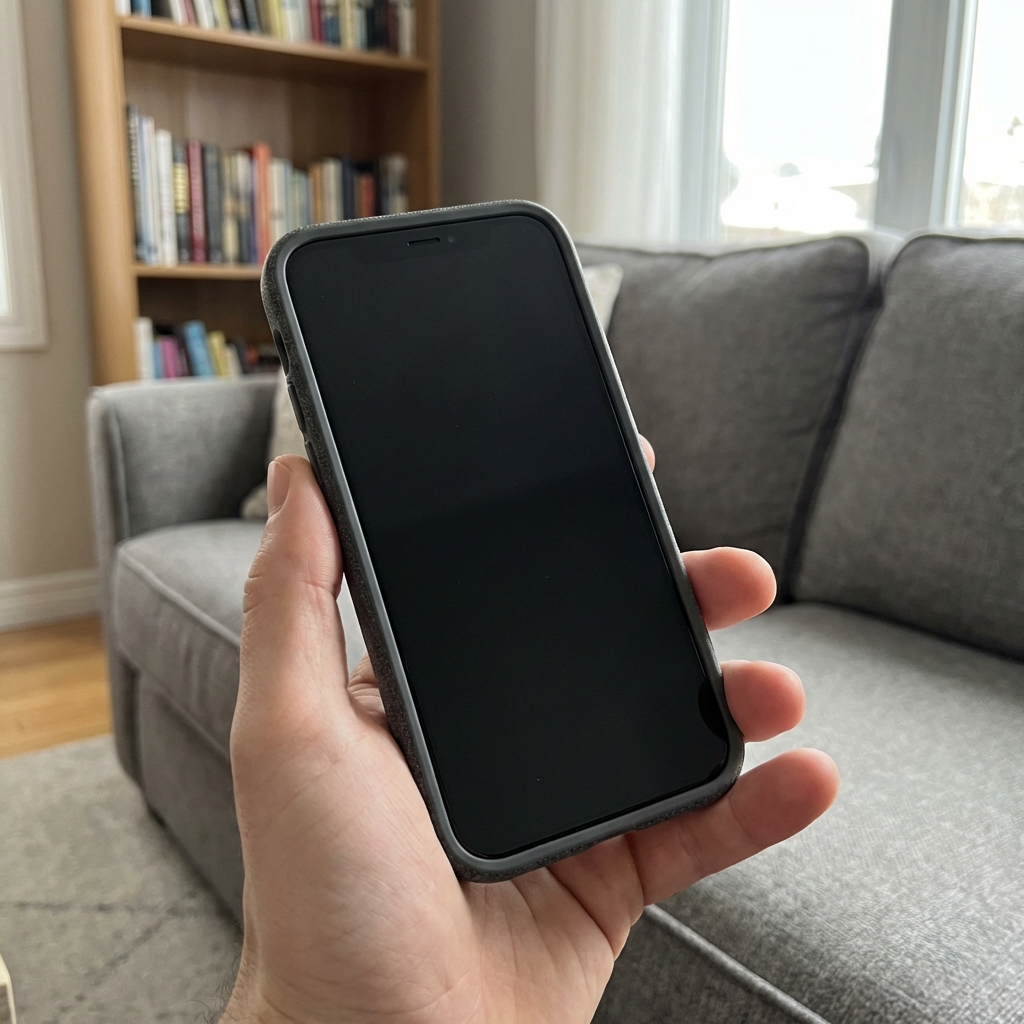
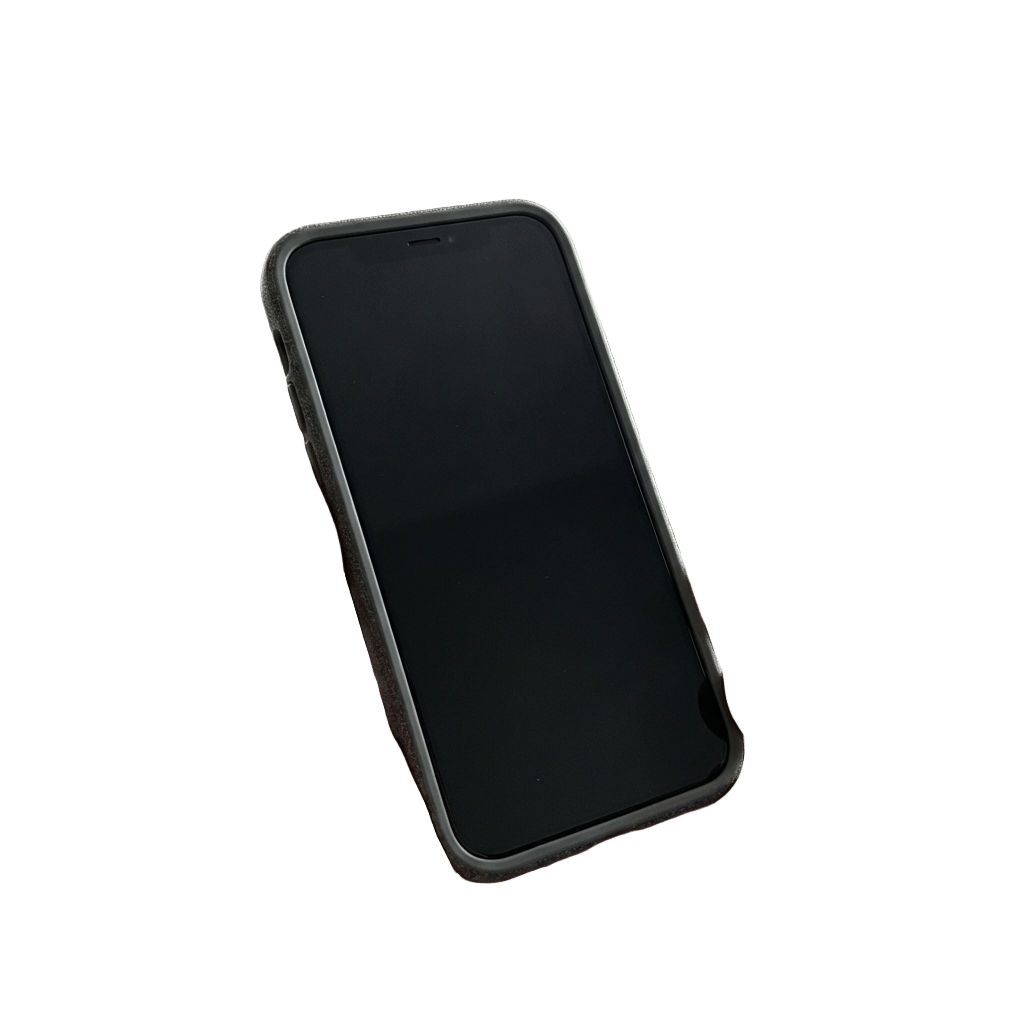
Handheld Product Shot
AI Background Remover vs Manual Editing
Manual background removal in Photoshop takes 5-30 minutes per image. Outsourcing costs $5-$15 per image (based on average Fiverr/Upwork freelancer rates, 2025). AI background removal takes under 1 second and costs $0.
AI Background Remover (Lumiet)
Manual Editing (Photoshop)
Outsourced Editing Services
AI Background Removal for Every Industry
Whether you sell on marketplaces, run a print-on-demand shop, or manage product catalogs for clients — AI background removal fits into your existing workflow.
E-Commerce Product Listings
Clean white-background product images that meet Amazon, eBay, and Walmart marketplace requirements. Remove backgrounds from phone snapshots and get listing-ready photos without a studio.
Shopify & D2C Storefronts
Consistent product imagery across your entire store. Remove backgrounds, then use AI Photoshoot to place products in lifestyle scenes that match your brand aesthetic.
Social Media & Advertising
Isolate products for Instagram carousels, Facebook ads, TikTok Shop listings, and Pinterest pins. Transparent PNGs let you overlay products on any branded template or promotional graphic.
Marketing & Graphic Design
Product cutouts for email banners, flyers, brochures, and web graphics. Skip the manual masking in Photoshop — get transparent PNGs ready for any design tool in seconds.
Print-on-Demand
Clean product cutouts for mockup generators. Remove backgrounds from your designs and artwork, then place them on t-shirts, mugs, phone cases, and posters with pixel-perfect edges.
Product Catalogs & Lookbooks
Process hundreds of product photos for seasonal catalogs and wholesale lookbooks. Batch background removal turns a week of editing into an afternoon of uploads.
Trusted by E-Commerce Sellers
How sellers, designers, and marketers use AI background removal to save time and cut editing costs.
I was spending 2 hours every evening removing backgrounds from my Etsy product photos in Photoshop. Now I upload a batch of 20 images and get clean PNGs in under a minute. The edge quality is actually better than what I was doing manually — especially around fine details like jewelry chains.
We manage product photos for 8 e-commerce brands. Background removal used to be our biggest bottleneck — $2,000/month in outsourced editing costs. Since switching to Lumiet, we process everything in-house in a fraction of the time. The free background remover handles 90% of our needs.
I run a print-on-demand store and need clean product cutouts for mockup generators every day. This AI background remover gives me transparent PNGs that drop perfectly into Placeit and Printful mockups. No cleanup needed. And the fact that it is free is unbelievable.
Free Background Removal, Pro AI Generation
Background removal is always free — no credits needed. Want to generate new product photos, swap backgrounds to lifestyle scenes, or create AI models? Upgrade for full AI generation power from the same chat interface.
Free
Free — No Card NeededTry background removal and AI generation — no credit card needed.
Background removal is free. Credits apply to AI image generation.
10 free credits — enough for your first AI-generated image
Access to all AI models
Up to 2K resolution on free plan
Commercial use allowed
4K resolution (Pro plan)
Priority queue (Pro plan)
Pro
Most PopularUnlock 4K AI generation alongside free background removal.
Most users choose Pro for AI generation — covers ~71 images per month.
Everything in Free, plus:
500 credits/month — ~71 AI-generated images at 1K/2K
All AI models including Nano Banana 2 and Pro
4K resolution (3840x2160)
White background, lifestyle, fashion — any scene
Up to 14 reference images per generation
Priority generation queue
Premium
Best ValueFor sellers and agencies with high-volume catalog needs.
Best per-image cost — ideal for sellers with 100+ SKUs.
Everything in Pro, plus:
2000 credits/month — ~285 AI-generated images at 1K/2K
32% more credits per dollar vs Pro
Built for agencies managing multiple brand catalogs
Frequently Asked Questions
Upload any product photo and the AI will remove background automatically — analyzing the image at pixel level to identify and isolate the foreground subject. The process takes under 1 second. The AI detects edges with sub-pixel accuracy, handling complex shapes like jewelry chains, fabric folds, and transparent materials. The result is a clean transparent PNG with no manual editing required.
Yes. Background removal on Lumiet is completely free — no credits consumed, no credit card required, no usage limits. Upload your product photo, get a transparent PNG, and download it. Free users can also access AI Photoshoot with 10 credits to generate new scenes for their cutout products.
Yes. Lumiet supports batch background removal — upload multiple product photos in a single session and the AI processes them all. This is ideal for e-commerce sellers with large catalogs who need consistent, clean product cutouts across hundreds of SKUs. Each image processes in under 1 second.
You can upload images in JPG, JPEG, PNG, and WebP formats. The output is always a transparent PNG file — the industry standard for product images that need to be placed on different backgrounds. PNG preserves the transparent areas so you can overlay your product on any color or scene in your design tool.
Upload your product image to the AI background remover on Lumiet. The AI automatically detects your product, removes the background, and exports a PNG with a fully transparent background. No need to use the magic wand tool in Photoshop or draw manual clipping paths. The entire process takes under 1 second and the result is ready for e-commerce listings, marketing materials, and graphic design.
Absolutely. The transparent PNGs from the AI background remover are ready for Amazon (which requires white or transparent backgrounds for main product images), Shopify, eBay, Etsy, Walmart Marketplace, and any other e-commerce platform. The output meets marketplace image requirements out of the box — no additional editing needed.
AI background removal is faster (under 1 second vs 5-30 minutes in Photoshop), requires no skill, and handles complex edges better than manual selection tools for most product photos. Photoshop gives you more fine-grained control for artistic work, but for e-commerce product photography — where you need clean, consistent cutouts at scale — AI background removal delivers equivalent or better results with zero effort.
Yes — this is a powerful workflow on Lumiet. First, use the free AI background remover to get a clean product cutout. Then, use AI Photoshoot to place your product in any scene — a marble countertop, a lifestyle living room, an outdoor garden, or a clean white studio background. The AI background changer workflow goes from removal to replacement in under 10 seconds total.
For the vast majority of e-commerce and marketing use cases, yes. The AI handles reflective surfaces (jewelry, electronics), soft edges (clothing, fabric), and complex shapes (furniture, food packaging) with results comparable to professional retouching. Combine with Nano Banana 2 for 4K scene generation after removal, and you have a complete product photography pipeline that rivals traditional studio output.
Yes. You can AI remove background from any input quality — phone snapshots, DSLR photos, screenshots, and even images downloaded from the web. You do not need studio-quality input to get a clean cutout. Take a quick phone photo of your product on your desk, upload it, and get a professional transparent PNG in under 1 second.
Lumiet currently offers background removal through the chat-based web interface. API access for batch background removal is on the roadmap. If you need programmatic access for high-volume processing, contact our support team to discuss early access options and integration requirements.
Lumiet stands out for three reasons: it is completely free (no per-image charges), it processes images in under 1 second, and it integrates directly with AI Photoshoot so you can remove a background and generate a new scene in one workflow. Other tools charge per image or limit free usage. Lumiet offers unlimited free background removal with no watermarks, no quality restrictions, and full commercial use rights.
About AI Background Removal Technology
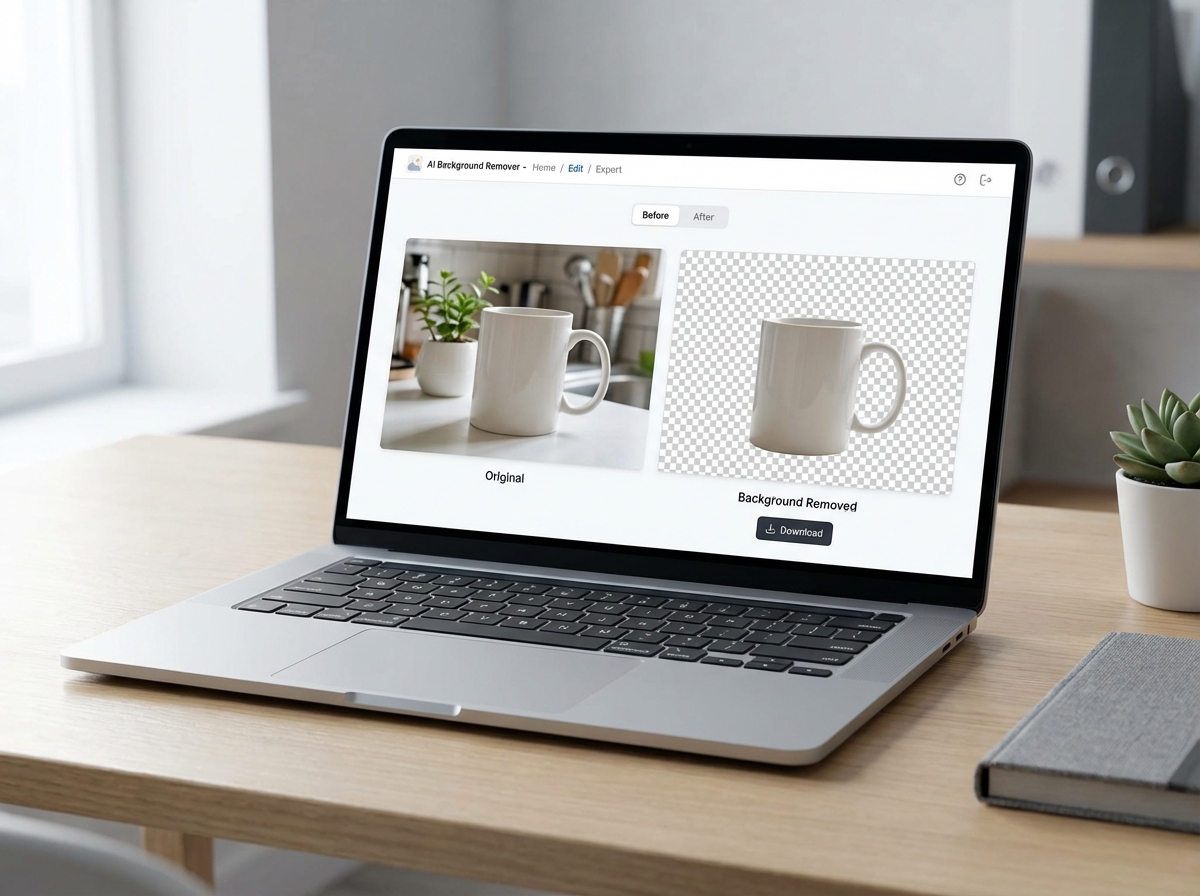
AI background removal is changing how businesses prepare product images for e-commerce, marketing, and print. Instead of spending hours in Photoshop with the pen tool and layer masks, you can now remove background AI-powered in under 1 second — upload an image and get a clean transparent PNG instantly. Lumiet makes this even simpler with a chat-based interface — upload your product photo and say “remove the background.” The AI handles the rest, including complex edges around jewelry, fabric, and transparent materials.
The use cases span every industry that works with product imagery. E-commerce sellers use AI background removal to prepare white background product photos for Amazon and Shopify listings. Marketing teams create product cutouts for email campaigns, social media ads, and promotional banners. Print-on-demand sellers isolate designs for mockup generators. And with AI Photoshoot built into the same platform, you can remove a background and generate a completely new scene — placing your product on a marble countertop, in a styled living room, or against a branded gradient — all in under 10 seconds.
The ROI is immediate. According to average freelancer rates on Fiverr and Upwork (2025), outsourced background removal costs $5-$15 per image with 12-48 hour turnaround. Manual editing in Photoshop takes 5-30 minutes per image. AI background removal costs $0 and takes under 1 second. For a seller with 200 SKUs, that is the difference between $1,000-$3,000 in editing costs versus free. Combine with Nano Banana 2 for 4K product scene generation and the Prompt Library for ready-to-use product photography prompts, and you have a complete visual production pipeline at a fraction of traditional costs. For outfit changes on model photos after background removal, see our AI Clothes Changer.

No credits needed. No credit card required.
Remove Your First Background — Free
Upload a product photo, get a clean transparent PNG in under 1 second. Works with jewelry, clothing, electronics, furniture, food — any product category. Free, unlimited, and commercially licensed.